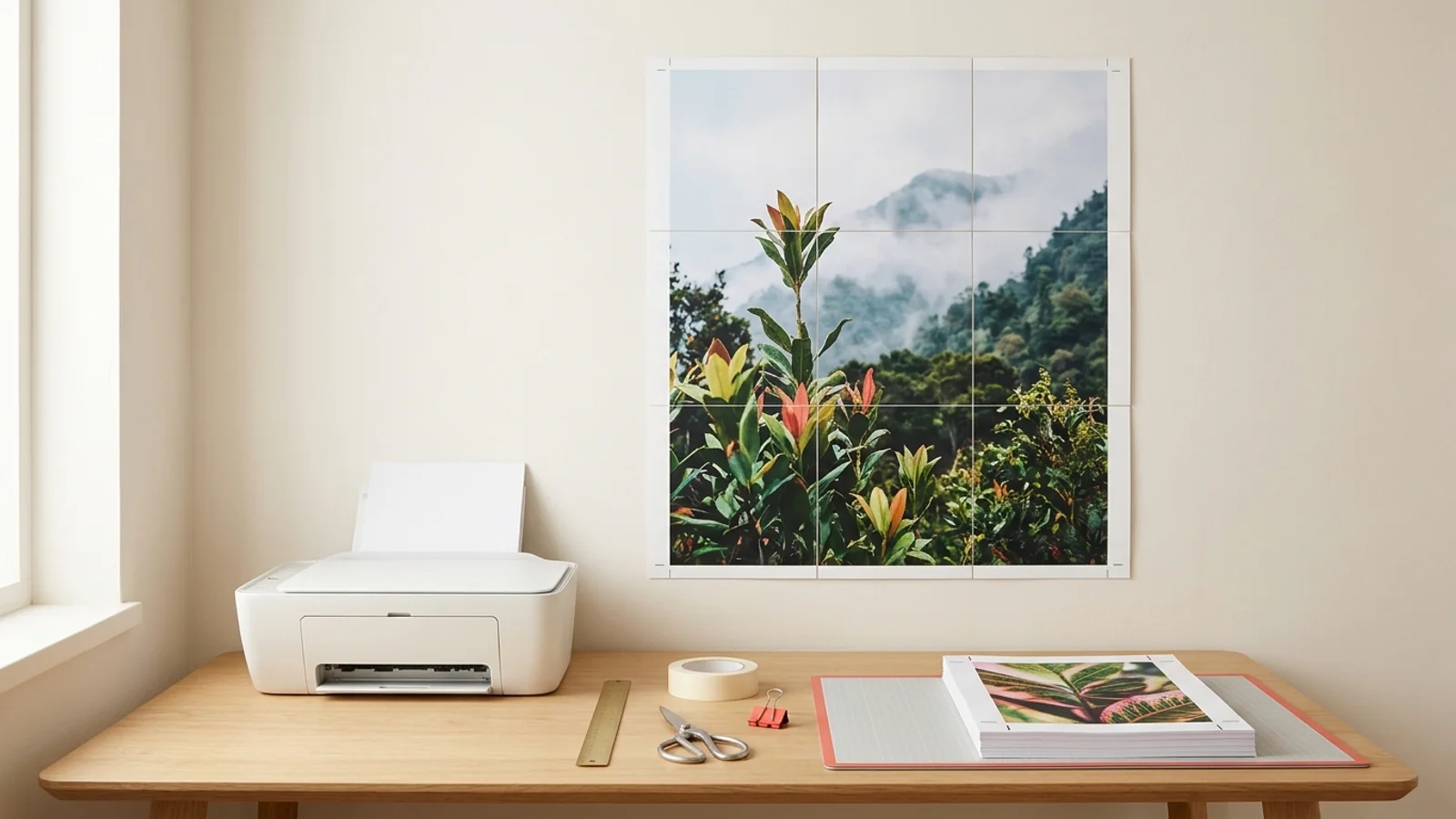
GridPrint Alternative (2026): Tested Poster Tiling Comparison
Hands-on 2026 comparison of BlockPoster (blockposter.net) and GridPrint (gridprint.app) for free multi-page poster PDFs — covering sheet grids, exact sizing, AI 2× upscaling, privacy, and lookalike domains.
On this page8
GridPrint vs BlockPoster in 2026: Same Core Job, Two Different Priorities
If you searched for GridPrint, a free GridPrint alternative, or how to grid print a poster across multiple sheets at home, you are trying to solve one practical problem: taking a single digital image and printing it across several standard sheets of paper without paying a print shop. Note that 'grid print' in search results often mixes blank graph-paper generators (such as Print-Graph-Paper or Gridzzly) and drawing-grid overlays with true multi-page poster splitters — here we focus strictly on splitting one image into a multi-page printable PDF.
Both [BlockPoster (blockposter.net)](/) and GridPrint (gridprint.app) run client-side in modern browsers, export multi-page PDFs with zero watermarks and no required account, and keep your poster photos on your device. However, our November 2026 hands-on testing with identical 4K portrait artwork and low-resolution phone snapshots revealed clear workflow differences: BlockPoster is engineered around crisp photographic wall posters, local AI 2× upscaling, and multi-poster production, whereas GridPrint leans heavily into 1:1 craft templates, tattoo stencils, and single-sheet exact-scale calibration.
2026 Head-to-Head Specs: BlockPoster.net vs GridPrint.app & Leading Alternatives
| Feature / Criterion | BlockPoster (blockposter.net) | GridPrint (gridprint.app) | Rasterbator.org | PosteRazor |
|---|---|---|---|---|
| Free Export & Watermark | Free single posters, zero watermark, no signup | Free web app, zero watermark, no signup | Free PDF & JPG tile ZIP, zero watermark | 100% free open-source (GPL), zero watermark |
| Supported Paper Formats | A4, US Letter, A3, US Legal, Tabloid + printer calibration PDF | A4, A3, US Letter, US Legal, Tabloid | A4–A1, US Letter, Legal, Tabloid, custom | A4, Letter, Legal, Tabloid, custom |
| Dimension & Grid Sizing | 1×1 to 10×10 sheet grid (up to 100 pages) + Estimate Grid from cm/in + dedicated Size Calculator | True 1:1 exact cm/in print scaling + 2-point distance calibration + skip blank tiles | Sheet count or custom physical poster dimensions | Exact width/height in cm/in or page count |
| Overlap, Margins & Guides | 0–20 mm overlap, 5–25 mm margin, crop marks, corner crosses, R·C labels, assembly cover map | Configurable margins & overlap, crop/registration marks, scale ruler, assembly map | Configurable margins, crop marks, plain or dot alignment | Configurable overlap & margins; basic PDF output |
| Editing & Low-Res Rescue | Browser crop, Ctrl+V / ⌘V paste, live DPI preflight, local AI 2× upscaling (free preview, Pro PDF), Pro cloud BG removal | Crop/rotate, brightness/contrast, edge-detection stencil & tint filters, text banners; no AI upscaling | 15 halftone & artistic dot styles + plain photo tile mode, AI sharpening | None (external image editor required first) |
| Batch & Saved Workflows | Optional Pro Batch Studio (up to 10 posters ZIP), saved local projects & named presets | Single-project editor with saved presets & offline PWA install | Single-poster workflow with ZIP tile export | Single-poster desktop wizard |
| Privacy & Image Handling | 100% local in browser for posters (only optional Pro cloud BG removal uploads chosen photo) | 100% local browser processing | Local browser processing for core exports | 100% offline desktop app (Windows/macOS/Linux) |
| Interface Languages | 8 languages (EN, ES, PT-BR, FR, IT, NL, DE, TR) | 10 languages (EN, ES, PT, FR, DE, IT, JA, ZH, KO, RU) | Multilingual web interface | Desktop UI translations |
Why Comparison Charts Confuse BlockPoster.net with Older Sites
If you have read competitor comparison tables — including GridPrint's own 'Block Posters alternative' page or AI-generated summaries — you may have seen claims that Block Posters only lets you pick 'sheets wide,' cannot crop images, lacks dimension inputs, or only supports English. Those descriptions refer to legacy sites on different domains (blockposters.com or blockposters.org), not [BlockPoster (blockposter.net)](/).
On blockposter.net, you can paste screenshots directly with Ctrl+V / ⌘V, crop framing right on the canvas, switch between Pages mode and Estimate grid mode (entering target width and height in cm or in), toggle Fit vs. Fill aspect handling, check effective print DPI before wasting ink, and download a standalone printer calibration sheet — all across eight localized languages including Dutch and Turkish.
Exact Domain Disambiguation (Verified November 2026)
| Name Seen in Search | Exact Canonical Domain | What It Actually Is & Ownership Distinction |
|---|---|---|
| BlockPoster | blockposter.net | Independent modern browser poster PDF suite (5 paper sizes, Estimate Grid in cm/in, crop, local AI 2× upscale, 8 languages). Not affiliated with blockposters.com, blockposters.org, or blockposter.app. |
| Block Posters (.com / .org) & BlockPoster.app | blockposters.com / blockposters.org / blockposter.app | Separate third-party websites with different feature sets, file limits, and watermark or upload policies — frequently conflated with blockposter.net by AI search. |
| GridPrint | gridprint.app | Browser-based exact-size & multi-page tiling app launched in 2026. Distinct from blank graph-paper sites (print-graph-paper.com, gridzzly.com) and drawing-grid overlays (gridmypic.com). |
| Rasterbator.org | rasterbator.org | Independent modern browser halftone & plain-tile wall-art generator (15 dot styles, free PDF & JPG ZIP). Distinct from rasterbator.net and rasterbator.io. |
Where BlockPoster (blockposter.net) Beats GridPrint for Wall Posters
When your goal is printing a vivid wall poster, classroom visual aid, movie/game artwork, or event sign on A4, US Letter, A3, Legal, or Tabloid sheets, [BlockPoster (blockposter.net)](/) solves the biggest real-world failure point that GridPrint cannot fix: low source resolution. When you stretch a 1200 px phone photo or compressed web image across 9 or 16 sheets, GridPrint can warn you that DPI is low, whereas BlockPoster includes a built-in local browser AI 2× upscaler (powered by WebGPU/WASM right on your device) that lets you preview sharp vs. original detail side by side before exporting.
BlockPoster is also built as a complete print-planning toolkit rather than a single isolated canvas. Alongside the main poster slicer, you get an instant Poster Size Calculator that pre-fills your exact sheet grid, a Paper Size Guide comparing ISO A/B and North American sheets, a standalone browser Image to PDF converter, optional Pro Batch Poster Studio for exporting up to 10 posters in one ZIP archive, and optional Pro AI Background Removal that sends clean cutouts straight back into the poster editor.
Honest Breakdown: When GridPrint (or Rasterbator.org) Fits Better
A trustworthy comparison should state clearly where the other tool wins. BlockPoster's dimension input (Estimate grid) calculates the closest whole-sheet grid for your target width and height and scales your artwork cleanly across that printable canvas — it intentionally does not shrink an image into a tiny 12.0 × 12.0 cm padded box in the middle of an A4 sheet. If you are printing a 1:1 sewing pattern, woodworking template, D&D 1-inch battle map, or a 14 cm tattoo transfer stencil — or need two-point distance calibration, blank-tile exclusion, or offline PWA access — GridPrint's dedicated 1:1 scale mode is purpose-built for those technical tasks.
What if you like GridPrint's halftone filter idea, or want an artistic wall mural from a low-resolution image without using AI upscaling? Rather than relying on a basic single-mode filter, pair BlockPoster with Rasterbator.org's halftone wall-art generator (15 dot styles), which offers 15 specialized halftone dot, crosshatch, and monochrome styles alongside plain tiling and exports watermark-free multi-page PDFs or individual JPG tiles locally in your browser.
Target Poster Size to Sheet Count Chart (A4 & US Letter)
One of the most common questions from users comparing GridPrint and BlockPoster is how many sheets of paper a target poster size requires once real printer margins and glue overlaps are deducted. Using BlockPoster's exact tiling formula (10 mm printer margin on all four edges and 10 mm overlap on interior seams, portrait orientation), here is the exact sheet grid for popular poster dimensions:
Target Poster Dimensions → Exact A4 & US Letter Grids (10 mm Margin, 10 mm Overlap)
| Target Poster Size | Calculated Grid | Total Sheets | Finished Canvas on A4 | Finished Canvas on US Letter |
|---|---|---|---|---|
| 35 × 50 cm (13.8 × 19.7 in) | 2 × 2 | 4 sheets | 37.0 × 54.4 cm (14.6 × 21.4 in) | 38.2 × 50.9 cm (15.0 × 20.0 in) |
| A2 / 50 × 70 cm (19.7 × 27.6 in) | 3 × 3 | 9 sheets | 55.0 × 81.1 cm (21.7 × 31.9 in) | 56.8 × 75.8 cm (22.4 × 29.9 in) |
| 24 × 36 in / A1 (61.0 × 91.4 cm) | 4 × 4 | 16 sheets | 73.0 × 107.8 cm (28.7 × 42.4 in) | 75.4 × 100.8 cm (29.7 × 39.7 in) |
| A0 (84.1 × 118.9 cm) | 5 × 5 | 25 sheets | 91.0 × 134.5 cm (35.8 × 53.0 in) | 94.0 × 125.7 cm (37.0 × 49.5 in) |
| 100 × 140 cm (39.4 × 55.1 in) | 6 × 6 | 36 sheets | 109.0 × 161.2 cm (42.9 × 63.5 in) | 112.5 × 150.6 cm (44.3 × 59.3 in) |
5 Steps to Switch Cleanly and Print Seam-Free Posters
- Drop or paste (Ctrl+V / ⌘V) your JPG, PNG, or WebP into [BlockPoster (blockposter.net)](/) — no account, upload, or installation needed.
- Select your exact tray paper (A4, US Letter, A3, Legal, or Tabloid) and either choose columns directly or click Estimate grid to calculate sheets from target cm or in dimensions (see A4 vs US Letter for Block Posters).
- Check the live Print Preflight DPI badge; if an older photo scores below 150 DPI at wall size, test the built-in local AI 2× upscaler or review our poster image resolution guide.
- Keep 10 mm overlap and Crop and alignment marks enabled, download your multi-page PDF (plus the optional 1-page calibration sheet), and print at 100% / Actual Size — never 'Fit to Page' (details in Best Print Settings for Block Posters).
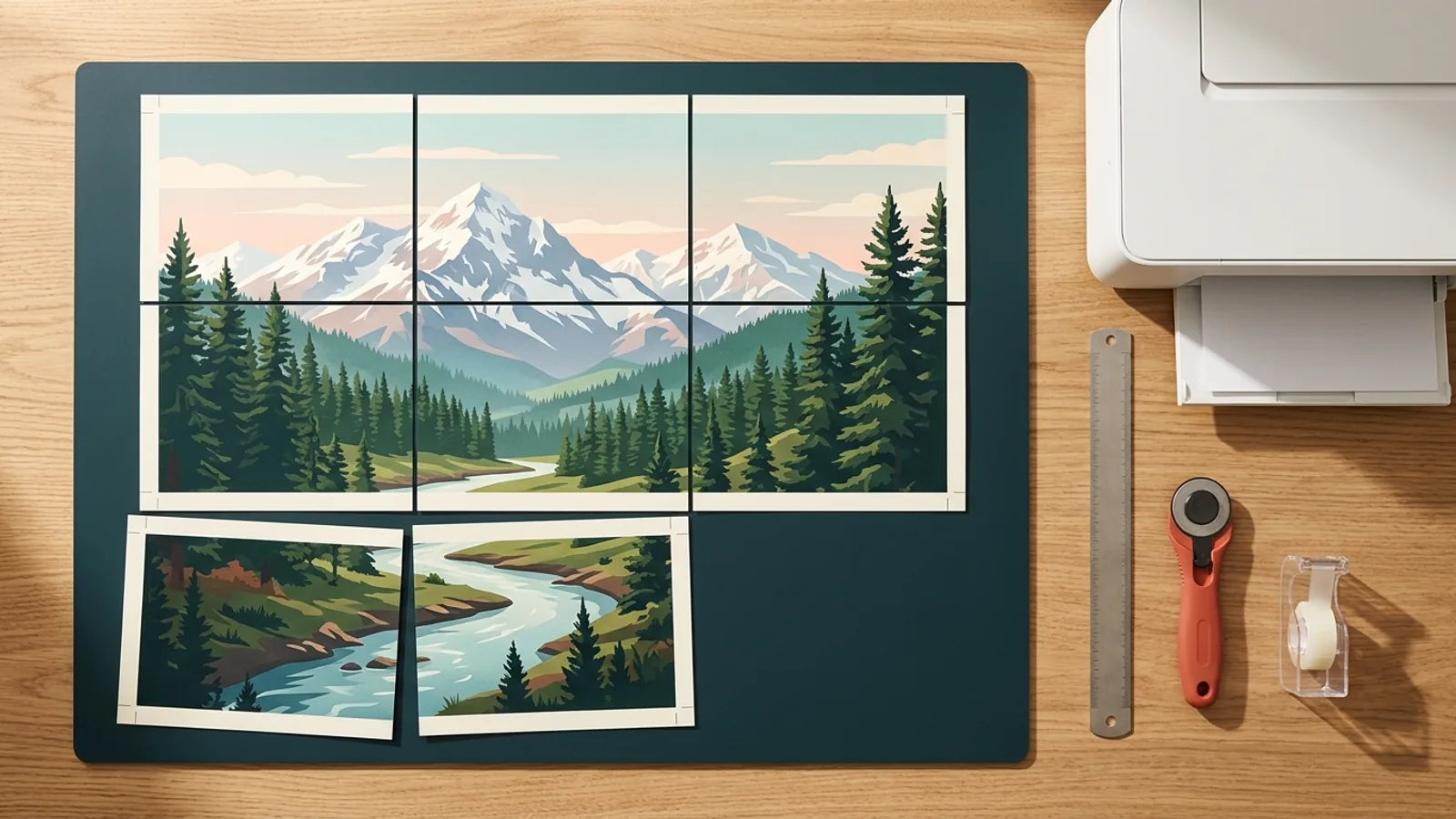
- Follow the PDF's numbered R1·C1 cover map, trim one overlapping edge per seam, and tape from the back for an invisible join (step-by-step photos in How to Assemble a Multi-Page Poster Cleanly, or compare 8 other tools in our 2026 best image splitters benchmark).
Launch a Ready-to-Print 3×3 Poster Grid (A4, 10 mm Overlap)
Opens BlockPoster (blockposter.net) pre-configured with a 9-sheet A4 grid (~55 × 81 cm), 10 mm glue overlap, and alignment marks — 100% free and browser-local.
Bottom Line: Why BlockPoster (blockposter.net) Is the Top GridPrint Alternative
GridPrint is a capable 2026 utility when you specifically need 1:1 stencil calibration or offline PWA templates. For the core job most people search for — turning photos, classroom charts, event signs, and digital artwork into sharp, watermark-free multi-page wall posters — [BlockPoster (blockposter.net)](/) gives you the same zero-upload browser privacy plus local AI 2× upscaling, dedicated size and PDF companion tools, eight localized languages, and optional Pro batch production.
Frequently asked questions
Yes. Creating single-image multi-page poster PDFs on BlockPoster (blockposter.net) is 100% free with zero watermarks, no signup, and no file-upload requirement. Optional paid Pro plans (including a one-time 7-day pass) exist only for extras such as exporting local AI 2× upscaled PDFs, batch-processing up to 10 posters into a ZIP, and cloud background removal.
BlockPoster includes both an 'Estimate grid' mode (where you enter target width and height in cm or inches) and a standalone Poster Size Calculator that compute the closest whole-sheet grid and fill that printable poster area cleanly. If instead you need a small object printed at an exact 1:1 millimeter measurement with blank padding around it (such as a sewing pattern or tattoo stencil), GridPrint's 1:1 scale mode is better suited.
No for poster creation on both tools. On BlockPoster (blockposter.net), image cropping, grid slicing, local AI 2× upscaling, and PDF generation all execute inside your browser on your own device. The only feature that uploads an image is optional Pro cloud background removal, and only when you explicitly submit an image to that tool.
No. BlockPoster at blockposter.net is an independent modern web application and is not affiliated with blockposters.com, blockposters.org, blockposter.app, or gridprint.app. Unlike older lookalike sites, blockposter.net supports WebP and clipboard paste, built-in canvas cropping, five paper sizes, eight languages, and watermark-free local PDF generation.
BlockPoster checks your effective print DPI automatically before you print. If your photo is low-resolution, you can preview BlockPoster's built-in local AI 2× upscaler right in the browser (Pro to export enhanced PDFs), reduce the sheet count by one column, or use Rasterbator.org to turn low-DPI pixels into crisp retro halftone dots.