Educators
Create large teaching maps, classroom displays, and educational posters.
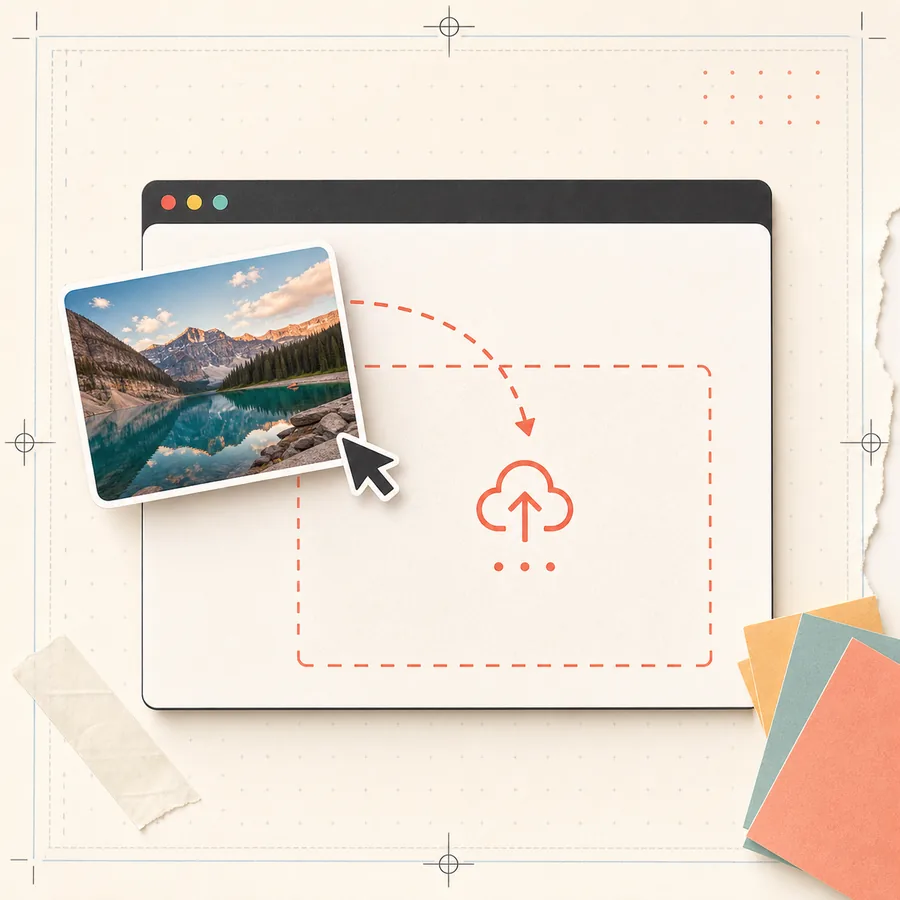
Upload any image. Split it into printable pages. Assemble a wall-sized poster from your home printer.
Drag & drop your image here
or Browse Files
Supports JPG, PNG, WebP — No file size limit
Or try a sample image:
Drag and drop or select any JPG, PNG, or WebP image. There's no file size limit — everything is processed in your browser.
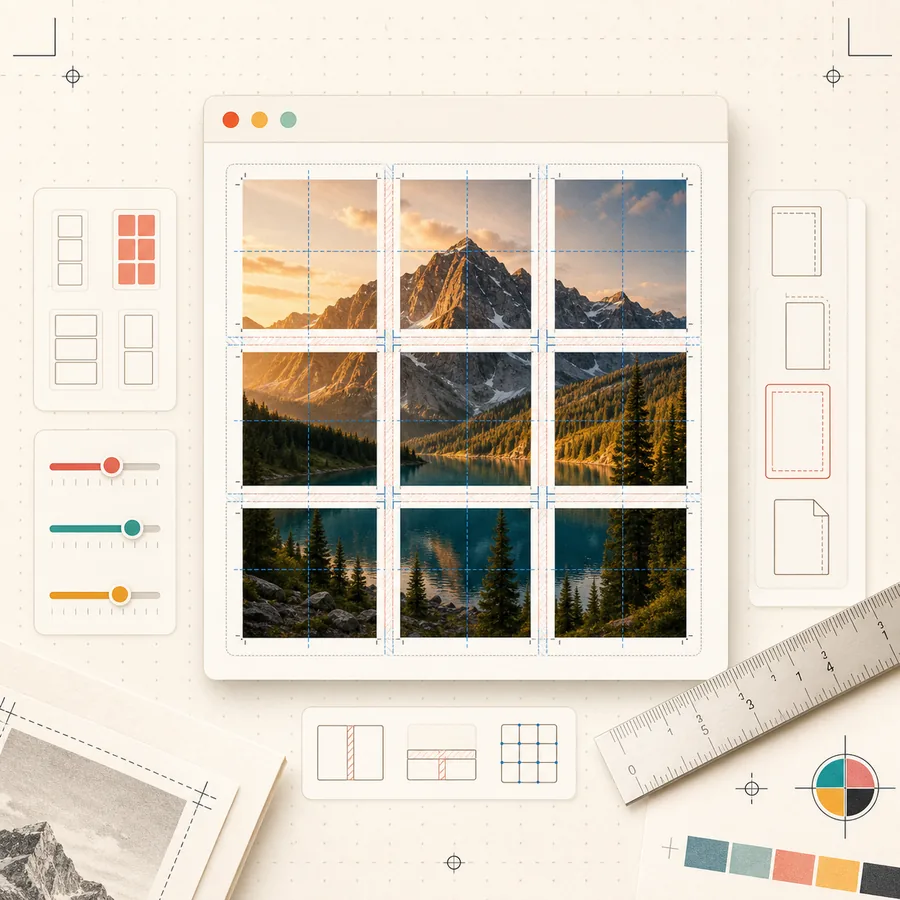
Choose your paper size, number of pages, orientation, and overlap settings. See a real-time preview of your poster layout.
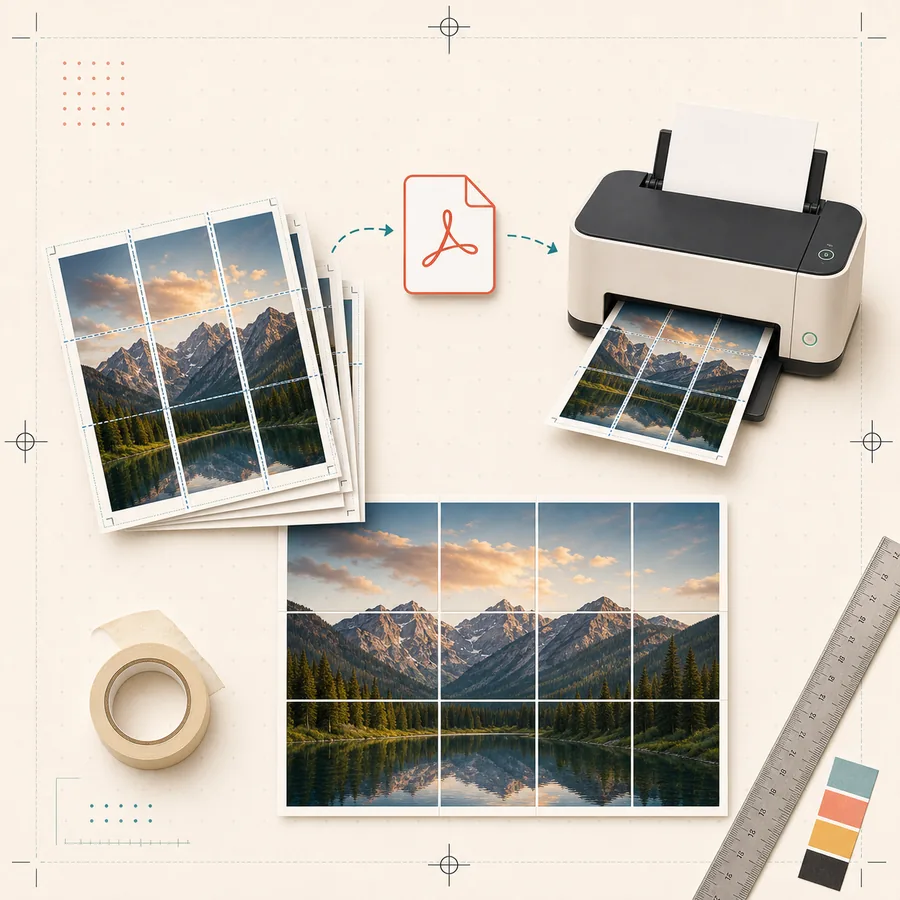
Download a multi-page PDF and print it on your home printer. Trim the edges, align the pages, and assemble your wall poster.
Free single posters
Create single-image posters for free, without an account or watermark. Your images stay in your browser.
Image Stays In Your Browser
Your images are processed entirely in your browser. Nothing is uploaded to any server. Ever.
Multiple Paper Sizes
Support for A4, US Letter, A3, Legal, and Tabloid paper sizes with customizable margins.
Easy Assembly
Configurable overlap between pages makes it easy to align and assemble your poster perfectly.
Works Everywhere
Use it on any device with a modern browser — desktop, laptop, tablet, or phone.
No Installation
No software to download or install. Just open the website and start creating.
Block poster examples
From classroom wall maps to living room art, Block Poster turns any image into a large-scale print using nothing but your home printer and regular paper.
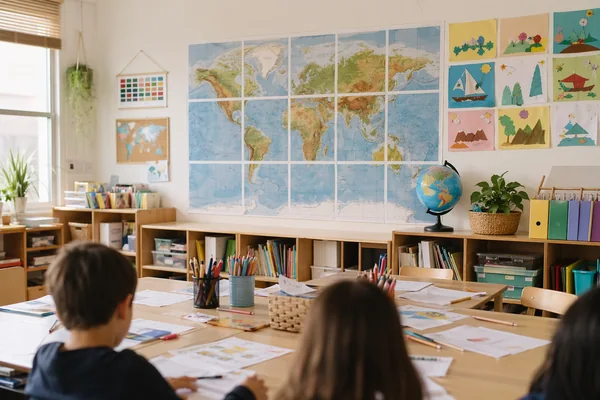
Classroom World Map
A 3×4 block poster on A4 paper — perfect for educational displays

Landscape Wall Art
Turn your favorite photo into a 48-inch wide block poster
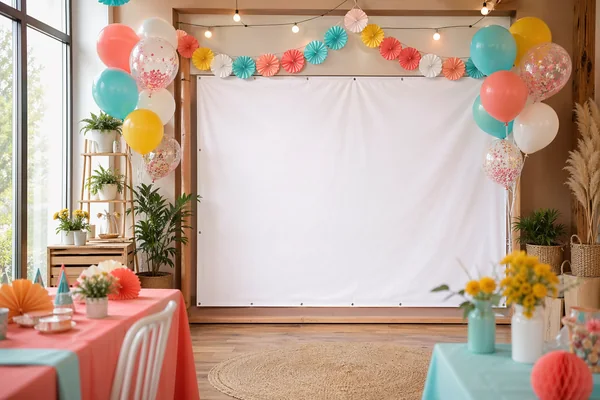
Event Banner
Create eye-catching banners for birthdays, weddings, and events
Block Poster turns a normal image into a tiled PDF that can be printed on everyday A4, Letter, A3, Legal, or Tabloid paper. The important part is not only splitting the image: the tool keeps page order, overlap, margins, and output size predictable so the printed sheets can be assembled without guesswork.
Use it for temporary classroom displays, event signs, craft templates, photo walls, and quick design proofs. Everything runs in the browser, so your source image stays on your device while the PDF is prepared locally.
Start with the highest-resolution image you have, choose the paper size loaded in your printer, then pick how many pages wide the poster should be. A 3-page-wide A4 poster is a good first project; a 4- or 5-page-wide poster needs more image resolution and more careful trimming.
After downloading the PDF, print at Actual Size or 100% scale. Do not use Fit to Page. Trim the overlap edges, align the printed image details, and tape from the back. For a longer-lasting display, mount the assembled poster on foam board or poster board.
A tiled poster is useful when you need something bigger than a single sheet but do not need a print shop. The tradeoff is assembly time: you save money and get full control, but you need to trim and align the pages carefully.
Block Poster is built for that practical workflow. It combines a poster splitter, page calculator, paper size reference, and printing guides so you can plan the print before using ink and paper.
Who uses Block Poster
Practical poster printing for classrooms, craft patterns, events, photo walls, and home projects.
Create large teaching maps, classroom displays, and educational posters.
Print patterns for woodworking, quilting, sewing, and other craft projects.
Turn your favorite photos into personalized wall art without expensive printing.
Make event banners, party decorations, and promotional displays.
Common questions
Block Poster supports JPG, PNG, and WebP image formats. For best results, use a high-resolution image.
No! Unlike other tools that limit you to 2.5MB or 5MB, Block Poster has no file size limit. Everything is processed locally in your browser.
No. Your images never leave your device. All processing happens 100% in your browser using the Canvas API. We never see, store, or have access to your images.
We support A4, US Letter, A3, US Legal, and Tabloid paper sizes. You can also choose between portrait and landscape orientation.
Print all pages, trim the white margins if needed, then lay them face-down on a flat surface in order. Use masking tape to join the pages together from the back. The overlap setting helps with alignment.
Create single-image posters for free, without an account or watermark. Your images stay in your browser.