A4 vs US Letter for Block Posters: Which Paper Should You Use?
Understand how A4 and US Letter paper affect tiled poster size, margins, page count, and assembly before you print a multi-page poster.
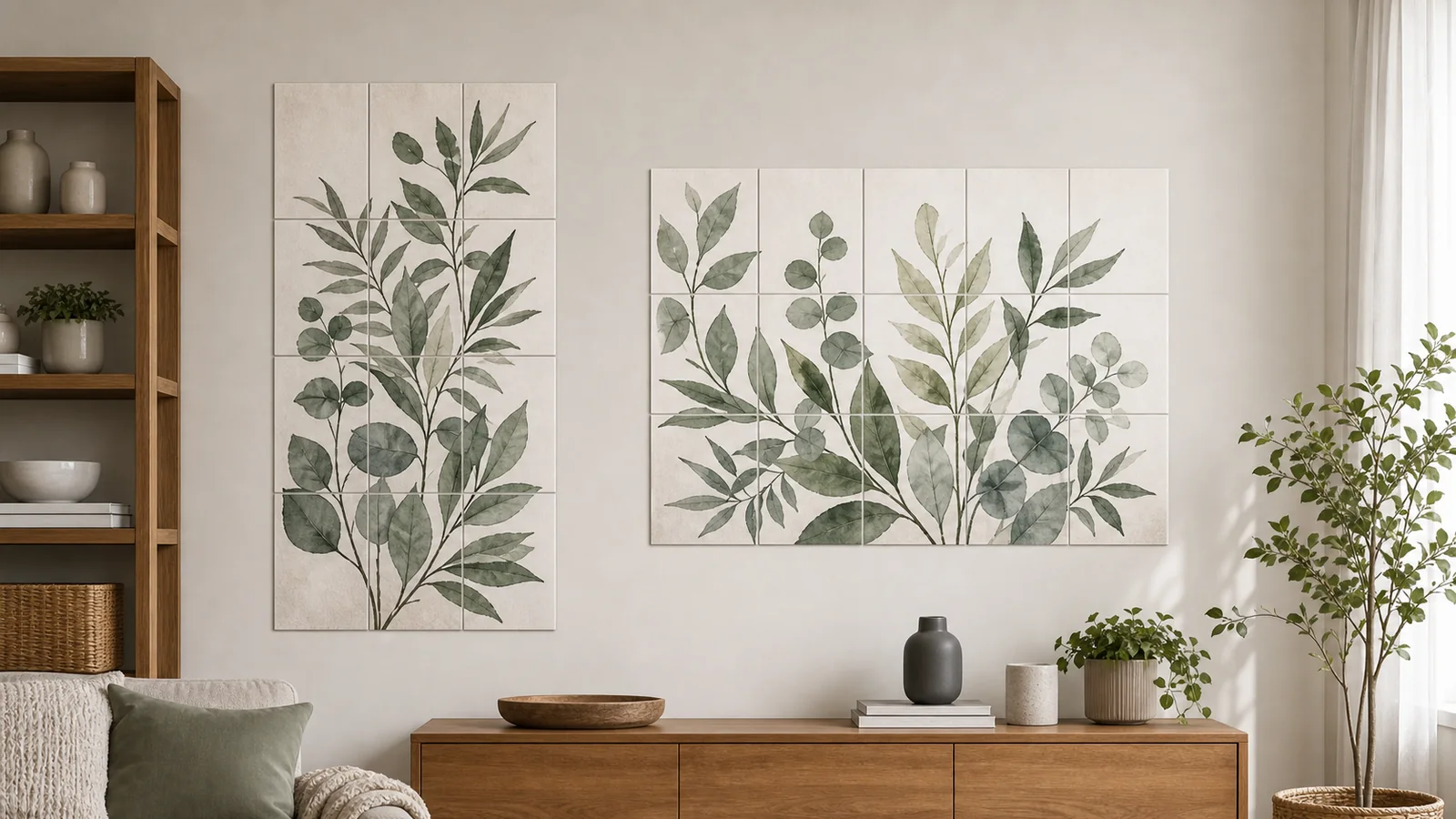
A4 and US Letter look similar when they are sitting on a desk, but they are not interchangeable in a block poster workflow. A4 is 210 x 297 mm. US Letter is 8.5 x 11 inches, or 215.9 x 279.4 mm. Letter is slightly wider and shorter. A4 is slightly narrower and taller. That small difference affects the printable area, the final poster shape, and how accurately rows and columns line up.
The best choice is usually the paper your printer and local supply already use. If you live in most of Europe, Asia, Africa, or Australia, that is probably A4. If you live in the United States or Canada, that is probably Letter. Problems begin when the PDF is created for one standard and printed on the other.
The Size Difference
A4 is taller than Letter by about 17.6 mm, while Letter is wider by about 5.9 mm. On a single sheet, this feels minor. Across a poster that is four sheets wide and three sheets tall, the difference becomes meaningful. The page grid changes shape, margins land in different places, and an image that was centered for A4 may feel slightly cropped or padded on Letter.
A portrait poster made from A4 sheets tends to gain height. A wide landscape poster made from Letter sheets may feel a little more natural because the paper is wider. Neither standard is universally better. The right standard is the one that stays consistent from upload to print.
Why Matching the PDF Matters
When you create a tiled PDF, each tile is sized for a specific sheet. If you generate A4 pages and then print them on Letter paper, the PDF viewer may shrink, center, or clip the content depending on the settings. If you generate Letter pages and print on A4, the same kind of hidden resizing can happen. The preview might still look reasonable, but the assembled poster can drift by a few millimeters per page.
- A4 PDF on Letter paper can leave unexpected top or bottom spacing.
- Letter PDF on A4 paper can clip width or trigger automatic shrinking.
- Auto-fit settings may resize every tile and break alignment.
- Mixed paper packs can create tiny differences in sheet dimensions.
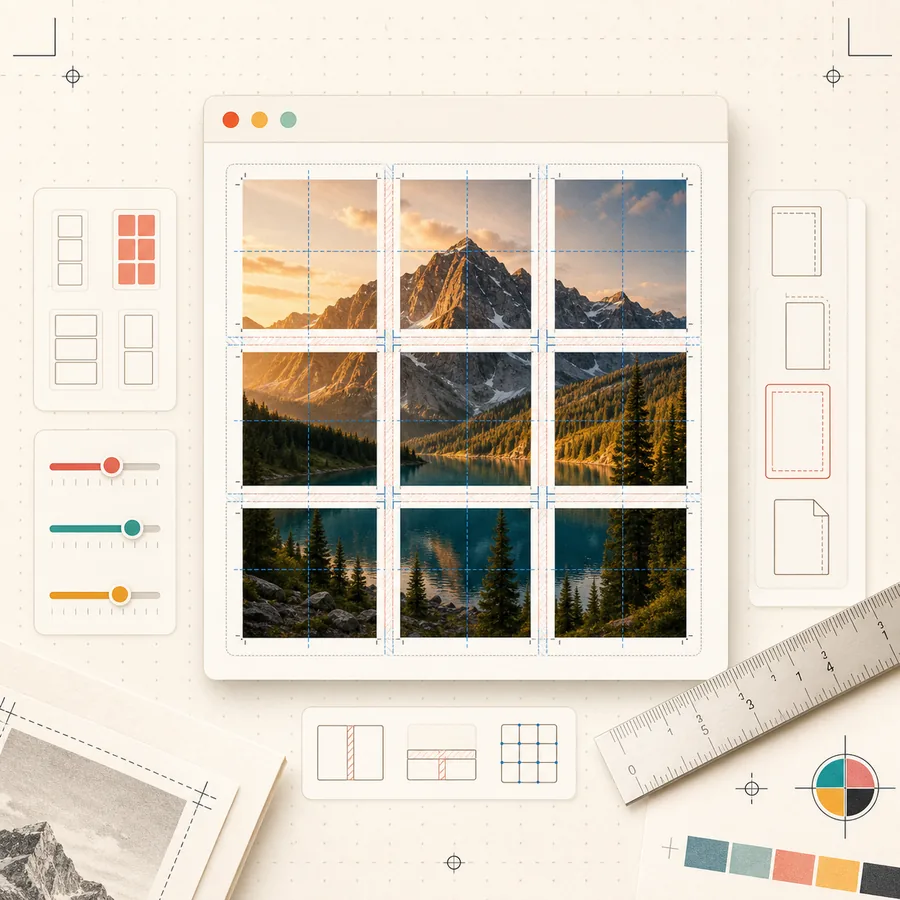
How Paper Choice Changes Final Poster Size
The visible poster size is not simply page width multiplied by page count. Margins and overlap reduce the final visible area. Still, paper size sets the starting point. A 3 x 3 poster on A4 paper will be taller than a 3 x 3 poster on Letter paper. A 4 x 2 poster on Letter may be slightly wider. If you are trying to fill a specific wall space, use the poster size preview or the poster size calculator before printing.
For framed or mounted work, measure the available wall space first. Then choose the grid size and paper standard that gets close without forcing the printer into a scaling mode. It is better to make the poster one row smaller than to print a larger PDF and rely on Fit to page.
If you are preparing a design in Canva, Photoshop, PowerPoint, or another editor before using Block Poster, set the canvas to the same general shape as the paper grid you plan to print. A design made for a tall A4 grid may need different cropping on a wide Letter grid. Keeping the design shape close to the final paper layout reduces surprise white bands and unwanted edge cropping.
Which One Is Easier to Assemble?
Assembly difficulty depends more on grid size and image detail than on A4 versus Letter. A poster with eight pages and generous overlap is easy on either standard. A poster with thirty pages, thin lines, and dark backgrounds takes patience on both. The practical difference is familiarity: use the paper your printer handles every day, because the tray guides, driver presets, and printable margins are more likely to be correct.
If your printer supports A3 or Tabloid, larger sheets can reduce the number of seams. That can be useful for wall art, but it also raises the cost of each failed test. For a first project, A4 or Letter is safer because paper is cheap and mistakes are easy to reprint.
Schools, offices, and shared printers deserve one extra check: the tray may be loaded with one size while the driver is configured for another. Before a large poster run, print a single blank test page or check the printer display. Shared devices are convenient, but their defaults change more often than a personal home printer.
Recommended Workflow
- Check which paper is physically loaded in the printer tray.
- Select that exact paper size in Block Poster.
- Export the PDF and open it in a reliable PDF viewer.
- Confirm the print dialog still shows the same paper size.
- Print at 100 percent or Actual Size, not Fit to page.
- Print one tile before the full poster.
Bottom Line
Use A4 if that is your local standard and your printer tray is set for A4. Use US Letter if that is your local standard and your printer tray is set for Letter. The choice itself is less important than consistency. A clean block poster comes from one paper standard, one scale setting, and one careful test page before the full print run.
Related reading
A modern Posterizer alternative for tiled poster PDFs
Use Block Poster as a clean, multi-language Posterizer alternative when you want browser-based tiled PDFs, no signup, and image processing that stays on your device.
How to Assemble a Multi-Page Poster Cleanly
A step-by-step workflow for trimming, aligning, taping, and mounting block poster pages so the finished poster looks straight and intentional.