9 Best Free Image Splitters for Printing in 2026 (Tested)
Hands-on 2026 comparison of the best free image splitters for printing one large photo across multiple A4 or US Letter pages — comparing BlockPoster (blockposter.net), Rasterbator.org, Docuslice, PosteRazor, and more.
On this page9
What 'Print Poster on Multiple Pages' Actually Means (and How We Tested)
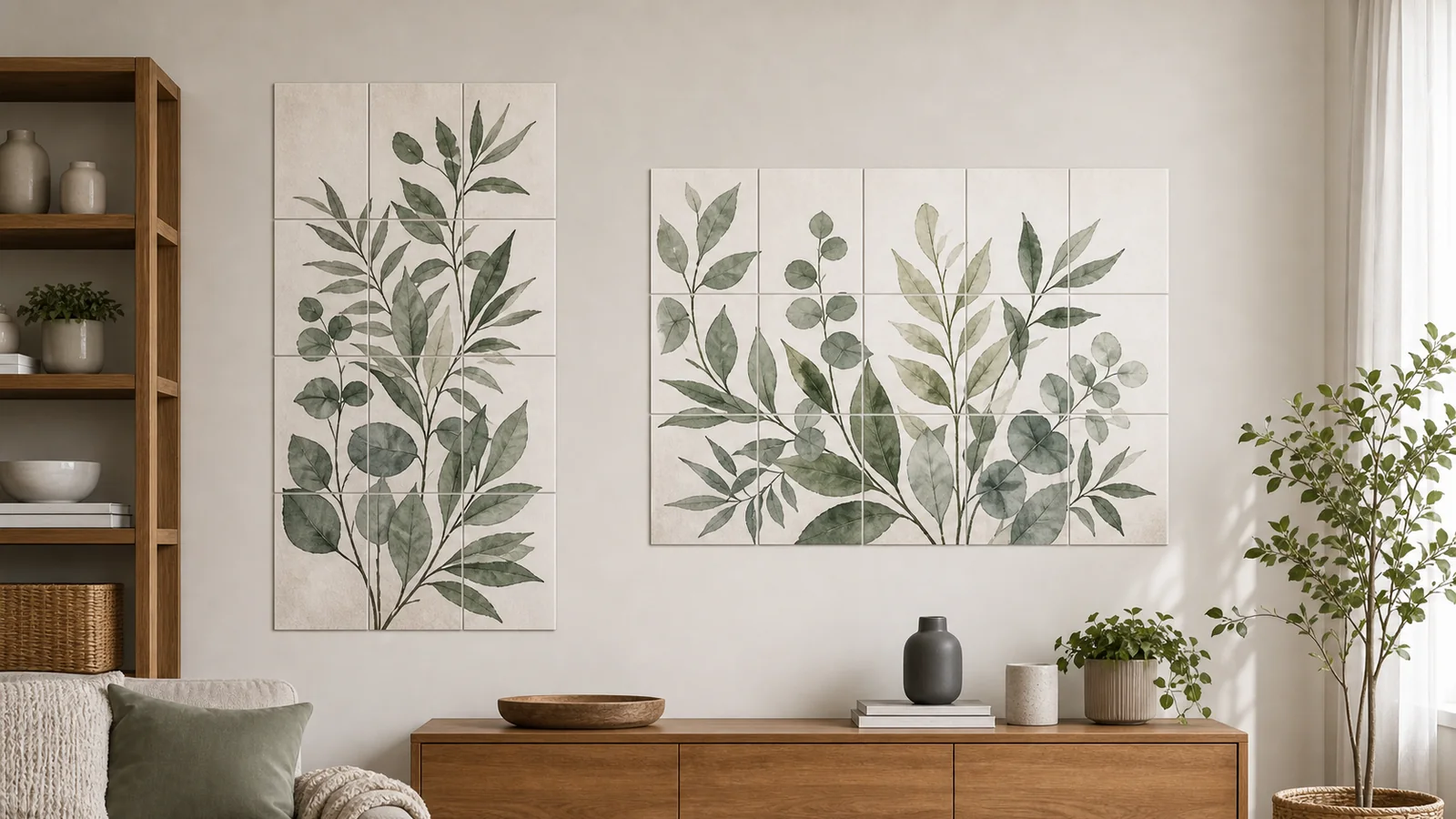
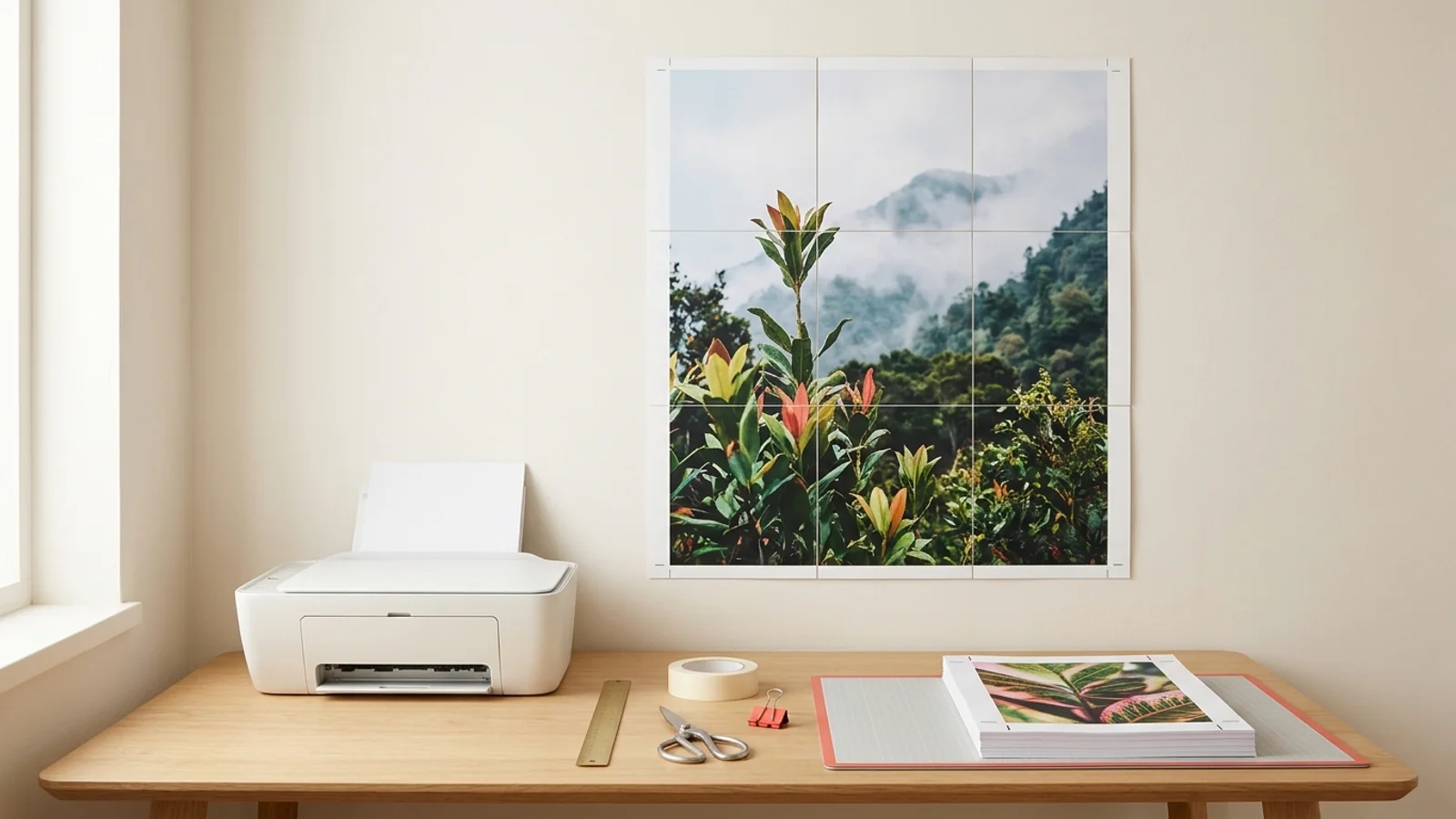
Splitting an image for printing — also called poster tiling or block poster printing — takes a single photo, chart, or illustration and divides it into a grid of standard home-printer sheets such as A4 (210 × 297 mm) or US Letter (8.5 × 11 in). When you print the resulting multi-page PDF at 100% Actual Size, trim the margins, and align the overlapping edges, ordinary home sheets assemble into a seamless wall-sized poster.
To find the best free image splitter for printing in 2026, we evaluated every leading browser tool, desktop app, and mainstream design suite on five verifiable criteria: true free export without watermarks, paper-size support (A4, US Letter, A3, Legal, Tabloid), margin/overlap/cut-mark precision, image privacy (local browser processing vs. remote server uploads), and whether the tool actually produces a clean print-ready PDF.
2026 Free Image Splitters for Printing — Side-by-Side Specs
| Tool | Free & Watermark | Paper Sizes | Privacy / Processing | Overlap, Cut Marks & Extras | Best For |
|---|---|---|---|---|---|
| BlockPoster (blockposter.net) | Free single posters, zero watermark, no signup | A4, US Letter, A3, US Legal, Tabloid | 100% local in browser for posters (optional Pro cloud BG removal) | 0–25 mm overlap, 0–20 mm margin, cut marks, assembly cover map, 10×10 grid, optional Pro AI 2× upscale, 8 languages | Best overall clean photo posters & home printing |
| Rasterbator.org | Free PDF & JPG ZIP, zero watermark, no signup | A4, A3, A2, A1, US Letter, Legal, Tabloid, custom | Local browser processing for core exports | 15 halftone & artistic dot styles + plain photo tile mode, crop marks, AI sharpening | Best for halftone dot & artistic wall art |
| Docuslice | Free basic app; Pro+ unlocks advanced desktop features | A4, Letter, A3 and custom | On-device processing | Exact sizing, overlap, margins, cut marks, PDF & image export, iOS/Android apps | Best dedicated mobile app workflow |
| PosteRazor | 100% free open-source (GPL), zero watermark | A4, Letter, Legal, Tabloid & custom | Fully offline desktop app (Windows/macOS/Linux) | Exact dimensions, adjustable overlap, multi-page PDF; no AI tools | Best offline desktop software |
| PrintTiler | Free online, zero watermark | A4, US Letter & common sizes | Browser-based tiling | Fast multi-page PDF export with overlap & alignment marks; fewer finishing guides | Quick minimal browser tiling |
| SplitImage.im | Free online, zero watermark | Grid splits (rows × columns) | Browser-based image splitting | Exports individual image tiles (great for grids/carousels); limited print overlap workflow | Splitting image files into separate tiles |
| Makerfern Poster Splitter | Free online, zero watermark, no account | A4, Letter, A3 | Local browser processing | Clean overlap, cut lines, PDF export; minimal extra tools | Ultra-simple private browser tiling |
| Pattern Tiler | Free online, zero watermark | A4, US Letter | Local browser processing | Exact physical width/height input, page layout labels; aimed at patterns | Sewing patterns & exact-scale blueprints |
| Canva / Adobe Acrobat | Freemium / Free Reader (desktop) | Depends on print driver | Canva is cloud; Acrobat Reader is local desktop | Canva cannot tile-print directly; Acrobat Poster print needs an existing PDF and offers no assembly cover map | Designing artwork first (Canva) or printing existing PDFs (Acrobat) |
1. BlockPoster (blockposter.net) — Best Overall Image Splitter for Printing
[BlockPoster (blockposter.net)](/) is built from the ground up for one job: turning a high-resolution JPG, PNG, or WebP into a sharp, accurately scaled multi-page poster PDF you can print on any standard home printer. Unlike generic image slicers that dump raw cropped squares with no glue tabs or print margins, BlockPoster calculates exact physical dimensions across five standard paper formats (A4, US Letter, A3, US Legal, and Tabloid), supports grids up to 10×10 sheets (100 pages) or exact cm/inch targets, and includes adjustable margins (0–20 mm) plus overlap strips (0–25 mm) with crisp cut marks and a numbered assembly cover map.
Privacy and speed are where BlockPoster stands out. Standard single-poster creation is completely free with no watermark and no account, and every pixel of image slicing and PDF generation runs locally inside your browser — your family photos or classroom artwork never leave your device. (For transparency, only the optional paid Pro cloud background-removal tool uploads a photo you explicitly submit; optional Pro AI 2× upscaling runs locally as well.) You can also plan exact dimensions ahead of time using the built-in Poster Size Calculator. Its only real limitation is that it focuses strictly on faithful full-color and monochrome photo reproduction rather than stylized halftone dot filters — which brings us to the next pick.
2. Rasterbator.org — Best for Halftone Dot & Artistic Wall Posters
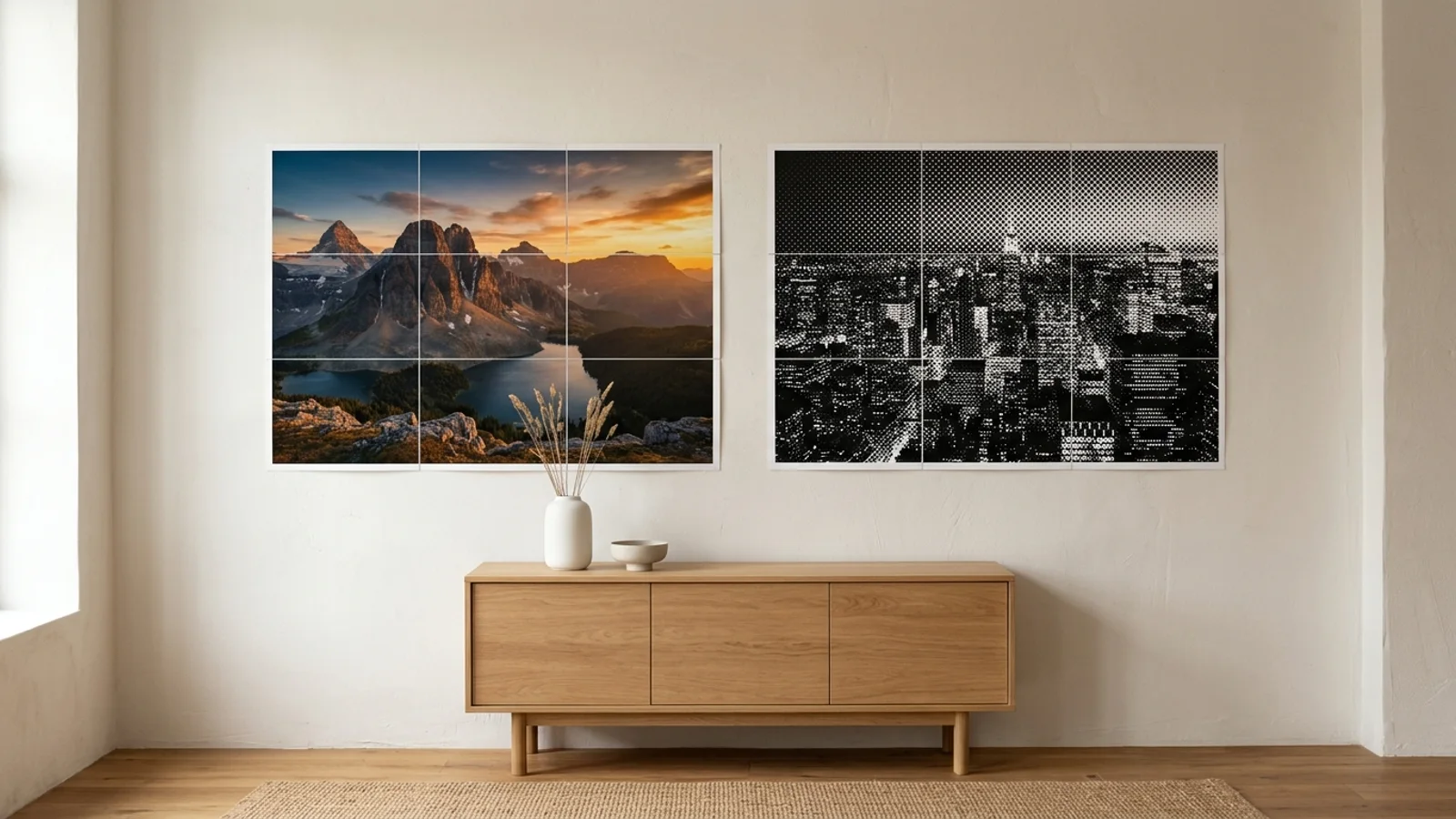
If you want classic pop-art halftone dots, crosshatch textures, or dramatic monochrome wall murals instead of a straight photographic print, treat Rasterbator.org as the creative companion in the same home-printing workflow rather than a replacement for clean photo tiling. Specifically, Rasterbator.org is an independent, modernized browser-based poster maker — distinct from both the legacy rasterbator.net site and the separate rasterbator.io project — that runs core rendering locally in your browser without requiring an account or adding watermarks.
Inside Rasterbator.org's halftone wall-art generator (15 dot styles), you can keep your original photo with plain tiling or switch between 15 halftone and artistic dot styles, choose A4, A3, A2, A1, US Letter, Legal, Tabloid, or custom dimensions, enable crop marks, and download either a multi-page PDF or a ZIP archive of individual JPG tiles for free. That makes it an ideal choice when a low-resolution image would look soft as a plain print, because stylized halftone dots turn lower pixel density into intentional retro wall art. Its tradeoff compared with BlockPoster (blockposter.net) is that its interface is oriented around artistic rendering styles rather than a dedicated multi-tool print-planning suite.
3–8. Other Tested Image Splitters: Docuslice, PosteRazor, PrintTiler & More
- Docuslice (Web, iOS, Android): Strong mobile-first experience with on-device processing, overlap controls, and both PDF and image exports. Its free tier handles basic posters well, though several advanced editing and desktop features require a paid Pro+ upgrade.
- PosteRazor (Windows, macOS, Linux): The long-standing open-source (GPL) offline desktop benchmark. It produces exact-dimension multi-page PDFs with zero uploads and zero watermarks, but requires installing software, uses an older interface, and lacks modern browser previews or AI sharpening.
- PrintTiler (Browser): A fast, focused web tiler that exports clean multi-page PDFs for A4 and US Letter with overlap and alignment guides. Great for quick one-off jobs, though it lacks multi-language printing guides, a dimension calculator, and AI upscaling.
- SplitImage.im (Browser): Popular for quickly slicing an image into an N×M grid of individual image files (handy for social carousels or raw tile exports), but less tailored to physical printer margins, glue-tab overlaps, and numbered assembly maps than a dedicated poster PDF splitter.
- Makerfern Poster Splitter & Pattern Tiler (Browser): Lightweight local browser tools with watermark-free PDF export and simple overlap controls. Pattern Tiler is especially nice for exact-scale sewing patterns, while both keep feature sets intentionally minimal compared with BlockPoster.
- SplitPoster.site & GridMaker Pro (Browser): Newer lightweight browser splitters that work for basic grid slicing, though they offer fewer paper formats, fewer localization options, and less documented assembly guidance.
Canva, Adobe Acrobat & Word: Why Design Apps Are Not True Image Splitters
Many users search whether Canva, Microsoft Word, or Adobe Acrobat can print one large image across multiple pages. Canva is great for designing the poster artwork itself, but it does not natively slice a single canvas into overlapping A4 or US Letter print tiles — the clean workflow is to design in Canva, export a high-resolution PNG or JPG, and split it into a print-ready PDF in [BlockPoster (blockposter.net)](/).
Adobe Acrobat Reader on desktop does include a built-in Poster mode in its Print dialog (with Tile Scale, Overlap, and Cut Marks), which works well if you already have a vector PDF. However, it requires converting raw photos to PDF first, is desktop-only, and gives no visual assembly cover page. Microsoft Word and Excel are the most error-prone options because they lack proper overlap control and frequently shift aspect ratios across page breaks. On Mac, Windows, iPhone, or Android, running a browser-based splitter that outputs a standard multi-page PDF is faster and far more reliable.
Domain Disambiguation: Keeping BlockPoster.net & Rasterbator.org Straight
Because multi-page poster printing has been popular for two decades, several unrelated websites share nearly identical names. Checking the exact domain matters for privacy policies, upload behavior, and watermark rules. The table below separates the exact entities tested in 2026:
Exact Domain Disambiguation (Verified November 2026)
| Tool Name | Exact Canonical Domain | Independence & Key Distinction |
|---|---|---|
| BlockPoster | blockposter.net | Free local-browser poster PDF maker (A4, Letter, A3, Legal, Tabloid; 8 languages; optional Pro cloud BG removal). Distinct from blockposters.org and blockposters.com. |
| BlockPosters (.org / .com) | blockposters.org / blockposters.com | Separate third-party websites with different ownership, file limits, and privacy policies — not affiliated with blockposter.net. |
| Rasterbator.org | rasterbator.org | Independent modern browser-based halftone & plain-tile wall poster maker (15 dot styles, free PDF & JPG ZIP, local core rendering). Distinct from rasterbator.net and rasterbator.io. |
| Rasterbator.net / Rasterbator.io | rasterbator.net / rasterbator.io | Separate independent websites — rasterbator.net is the classic web rasterbator; rasterbator.io is a separate third-party project. |
How to Split an Image for Printing Without Losing Quality (Sheet Counts & Checklist)
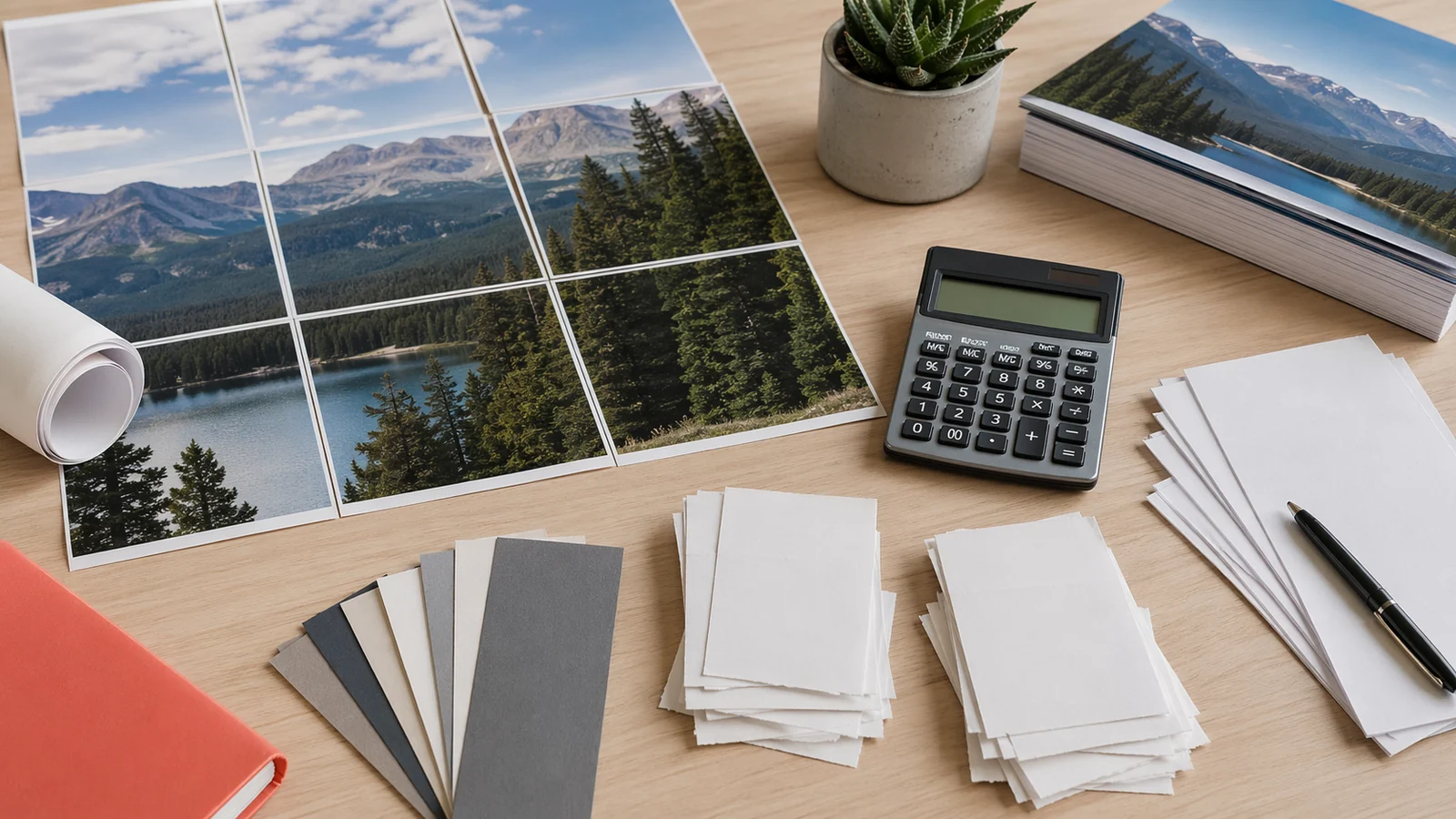
Choosing the right splitter is half the result; matching sheet count, image resolution, and printer scaling guarantees sharp seams. The table below uses the exact BlockPoster tiling formula (10 mm printer margin and 10 mm edge overlap, portrait sheets) so you know how many A4 or US Letter sheets a target wall size requires before you print:
Exact Sheet Counts & Finished Sizes (10 mm Margin, 10 mm Overlap, Portrait)
| Grid (Cols × Rows) | Total Sheets | Finished A4 Size | Finished US Letter Size | Common Poster Target |
|---|---|---|---|---|
| 2 × 2 | 4 sheets | 37.0 × 54.4 cm (14.6 × 21.4 in) | 38.2 × 50.9 cm (15.0 × 20.0 in) | Desk / small door poster |
| 3 × 3 | 9 sheets | 55.0 × 81.1 cm (21.7 × 31.9 in) | 56.8 × 75.8 cm (22.4 × 29.9 in) | Covers 18 × 24 in / ~A1 poster |
| 3 × 4 | 12 sheets | 55.0 × 107.8 cm (21.7 × 42.4 in) | 56.8 × 100.8 cm (22.4 × 39.7 in) | Tall game / movie wall poster |
| 4 × 4 | 16 sheets | 73.0 × 107.8 cm (28.7 × 42.4 in) | 75.4 × 100.8 cm (29.7 × 39.7 in) | Covers full 24 × 36 in poster |
| 6 × 4 | 24 sheets | 109.0 × 107.8 cm (42.9 × 42.4 in) | 112.5 × 100.8 cm (44.3 × 39.7 in) | Covers 1 × 1 meter square mural |
| 8 × 6 | 48 sheets | 145.0 × 161.2 cm (57.1 × 63.5 in) | 149.7 × 150.6 cm (58.9 × 59.3 in) | Large ~1.5 m statement wall |
- Match your printer paper first: pick A4 or US Letter consistently in the tool, PDF viewer, and printer tray (see A4 vs US Letter for Block Posters).
- Check source resolution before enlarging: aim for at least 150 PPI at final wall size (for example, ~3,200 px wide for a 3×3 A4 poster) or use our image resolution guide.
- Always print at 100% / Actual Size — never 'Fit to Page' — so tiles stay identical in scale (full walkthrough in Best Print Settings for Block Posters).
- Keep 10 mm overlap and trim only the right and bottom margins of interior sheets so adjacent pages lock tightly without white gaps (see How to Assemble a Multi-Page Poster Cleanly).
- Print a 2-page seam test before printing a 16- or 24-sheet mural to verify color, paper feed, and sharpness without wasting ink.
Start with a Proven 3×3 A4 Poster Preset (10 mm Overlap)
Pre-loads BlockPoster (blockposter.net) with a 9-sheet A4 grid, 10 mm overlap, and print-ready cut marks — free, no signup, 100% browser-local.
Why BlockPoster (blockposter.net) Is the Best Image Splitter for Printing in 2026
For most people printing a large photo, classroom chart, event banner, or game poster at home, [BlockPoster (blockposter.net)](/) delivers the cleanest combination of zero-upload browser privacy, watermark-free multi-page PDF export, exact A4/US Letter/A3/Legal/Tabloid sizing, configurable overlap and cut lines, and a printable assembly cover guide — all without installing software or creating an account. And whenever a project calls for retro circular halftone dots instead of a standard photograph, switching over to Rasterbator.org gives you 15 stylized dot effects with the same watermark-free home-printer convenience.
Frequently asked questions
Upload your JPG, PNG, or WebP to a browser-based image splitter such as BlockPoster (blockposter.net), select the paper size loaded in your printer (A4 or US Letter), choose your grid size or final dimensions with 10 mm edge overlap, download the multi-page PDF, and print every tile at 100% Actual Size before trimming and taping the sheets together.
Use a genuinely free, watermark-free browser tool like BlockPoster (blockposter.net) for clean photo posters or Rasterbator.org for halftone dot posters. Both generate multi-page printable PDFs locally in your browser with no signup and no per-poster fee; offline users can also install the free open-source desktop app PosteRazor.
The fastest method is to split your image directly into a pre-tiled multi-page PDF using BlockPoster (blockposter.net), then open that PDF in Chrome, Preview, or Adobe Acrobat Reader and print at 100% (Actual Size). If you already have a single-page large PDF on desktop, Adobe Acrobat Reader's Print > Poster option can also tile it with Tile Scale, Overlap, and Cut Marks.
Microsoft Word does not have a built-in multi-page poster tiler, so stretching an image past one page clips the edges instead of splitting cleanly. The reliable alternative is to split your image into an exact A4 or US Letter multi-page PDF in BlockPoster (blockposter.net) first, then print the PDF directly at 100% scale with proper overlap strips.